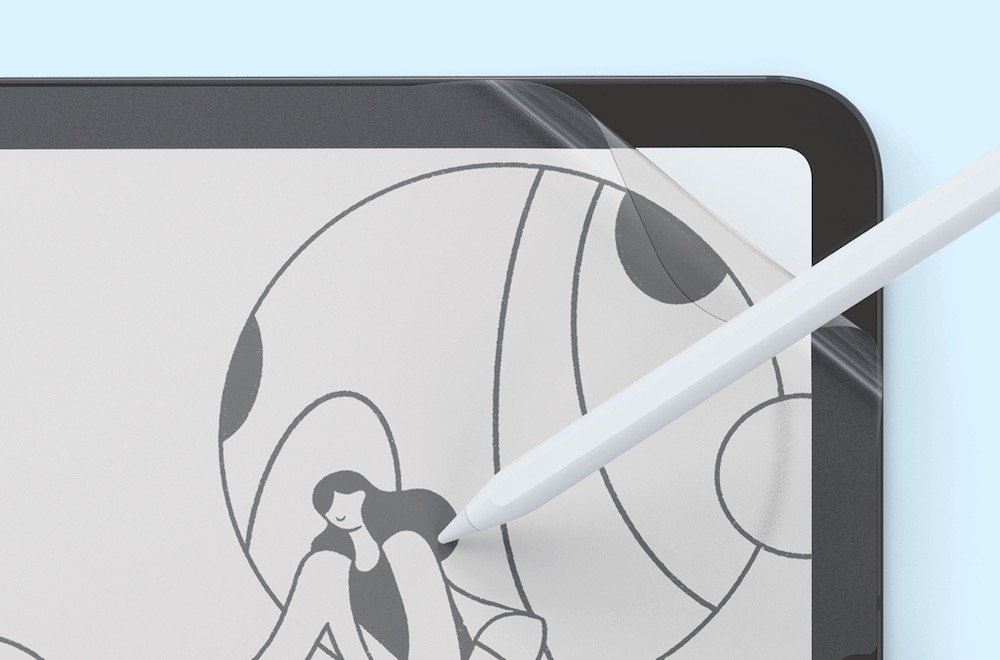
The iPad and the Apple Pencil are popular tools of the trade for artists and creators but not everyone likes sketching and writing on glass so Paperlike came up with a screen protector that gives the display a more tactile paper-like feel.
As its name suggests, Paperlike is applied to the iPad’s screen like a screen protector, but it has a course texture to replicate the feeling and friction of pen on paper.
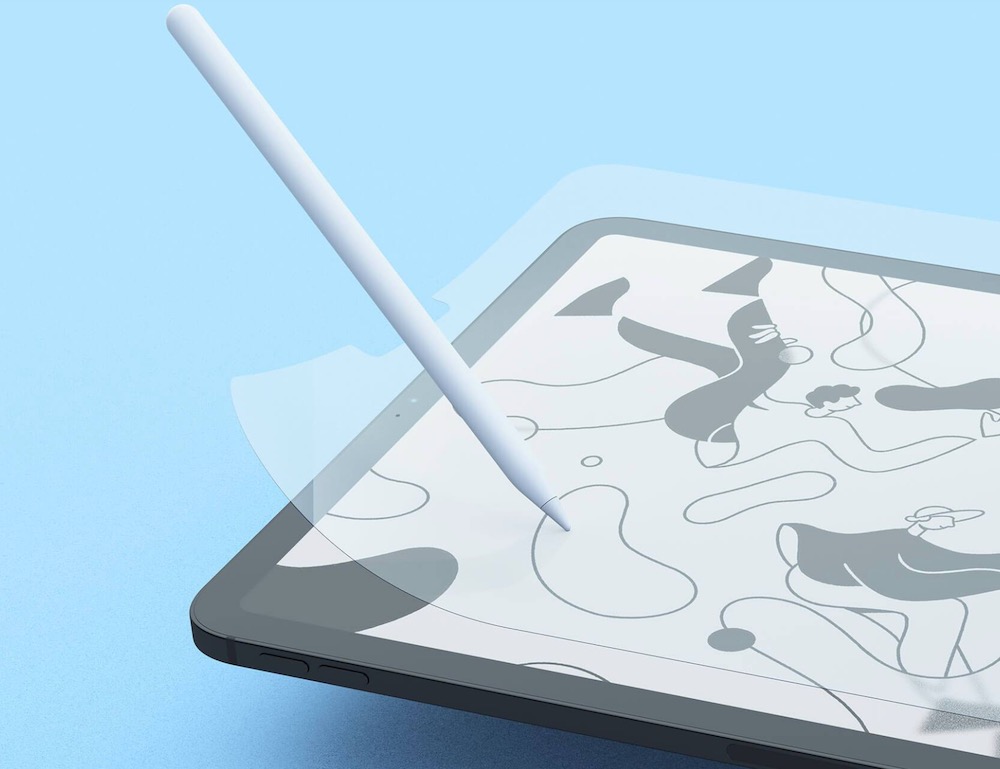
Paperlike is available for the 12.9-inch iPad Pro, 11-inch iPad Pro and 10.9-inch iPad Air and the 10.2-inch iPad (Gen 7, 8 and 9).
Each pack contains two Paperlike screen protectors and is priced at $59.95.
Paperlike gives your iPad a matte finish which not only helps with the paper feel but also reduces reflections and glare.
Now when you are writing and drawing on the screen you can still enjoy the same versatility and responsiveness the iPad provides, but the feel is a little coarser – just like paper.
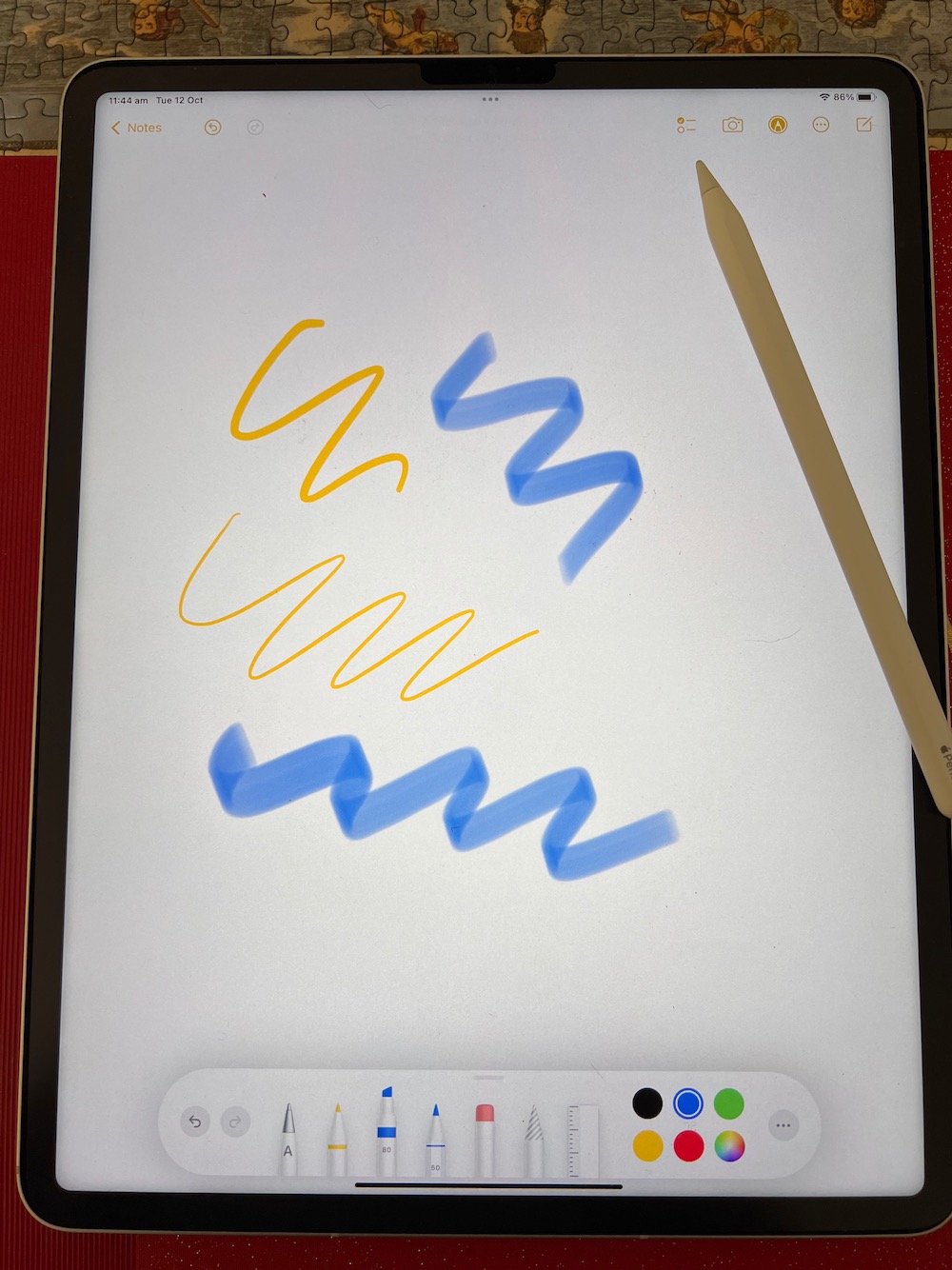
There are two Paperlike screen protectors in each packet and there are clear instructions to help you place it on the display accurately.
It comes with stickers and wipes to make the process as easy as possible.
First thing you need to do is position it on your iPad with either the home button or the Face ID camera closest to you.
Once positioned correctly you take the three included narrow stickers and stick the side of the protector to the surface where the iPad is resting.
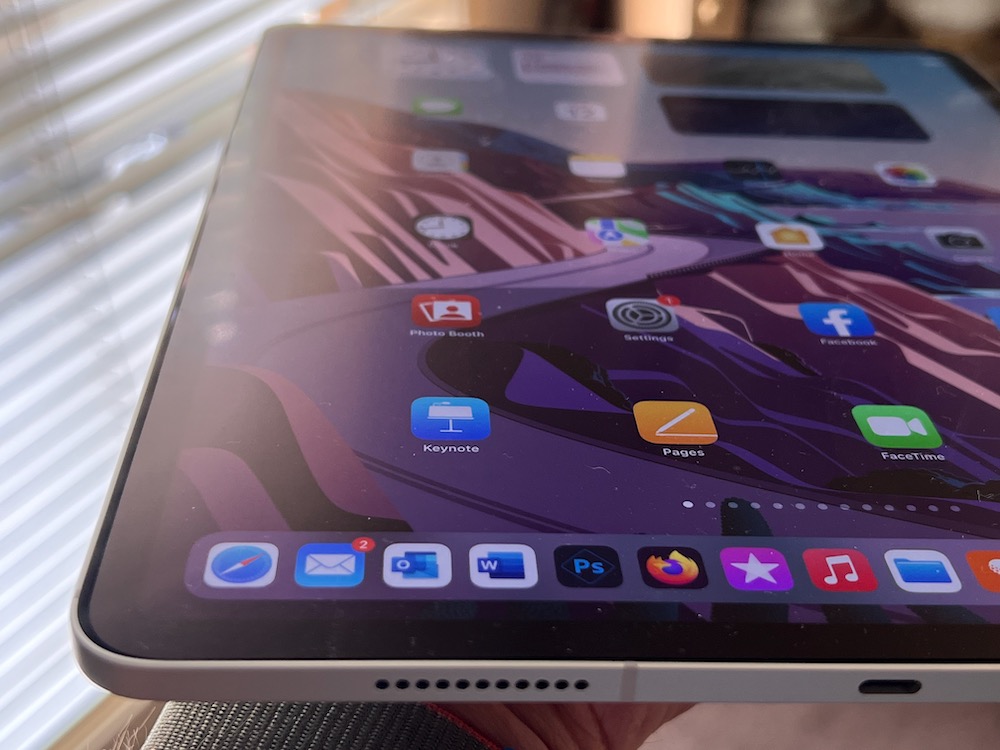 Paperlike reduces glare on the iPad display
Another sticker is placed on the opposite side to allow you lift the protector like opening a book and push the narrow stickers so they now stick to the side of the iPad.
In this position you can use the included alcohol wipes and cloth to clean and dry the screen and another sticker to remove any specks of dust before removing the back of the screen protector and laying it on the iPad screen.
Next you need a credit card to push out the air bubble to the edge and remove them before finally taking off the top layer to reveal the Paperlike’s surface.
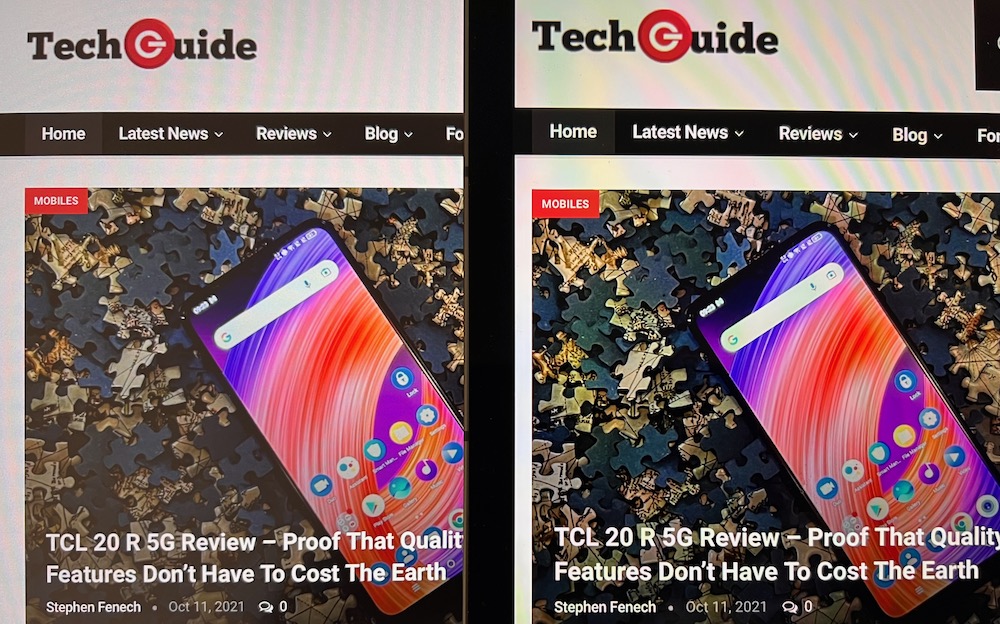 Paperlike does slightly reduce the colour vibrance – left is with Paperlike – right is without.
The first thing you’ll notice is the matte finish which takes a minute to adjust to because we’re used to seeing the iPad’s glossy display.
Paperlike says this second version of the screen protector with its textured surface does let more light through than the original so there is less light refracted and less colour diffused.
The result is the colours on the screen do look a little less vibrant.
You can still see everything quite clearly and in high resolution, but the depth of colour has been reduced slightly.
That’s the small price to pay for having the textured surface so running your Apple Pencil on the screen does make it feel more like drawing on paper.
Even writing and taking notes is easier with Paperlike.
This is really important to artists who rely on the right feel to create their best work.
Paperlike will show some signs of wear and tear over time like little scratches and smudges but it’s always going still offer the same feel.
Lifespan of the Paperlike screen cover will, of course, depend on how often you are drawing and writing on your iPad.
But there are two Paperlike lovers that come in the package, so you’re covered for quite some time.
The other thing to take into consideration is the wear of the Apple Pencil nib.
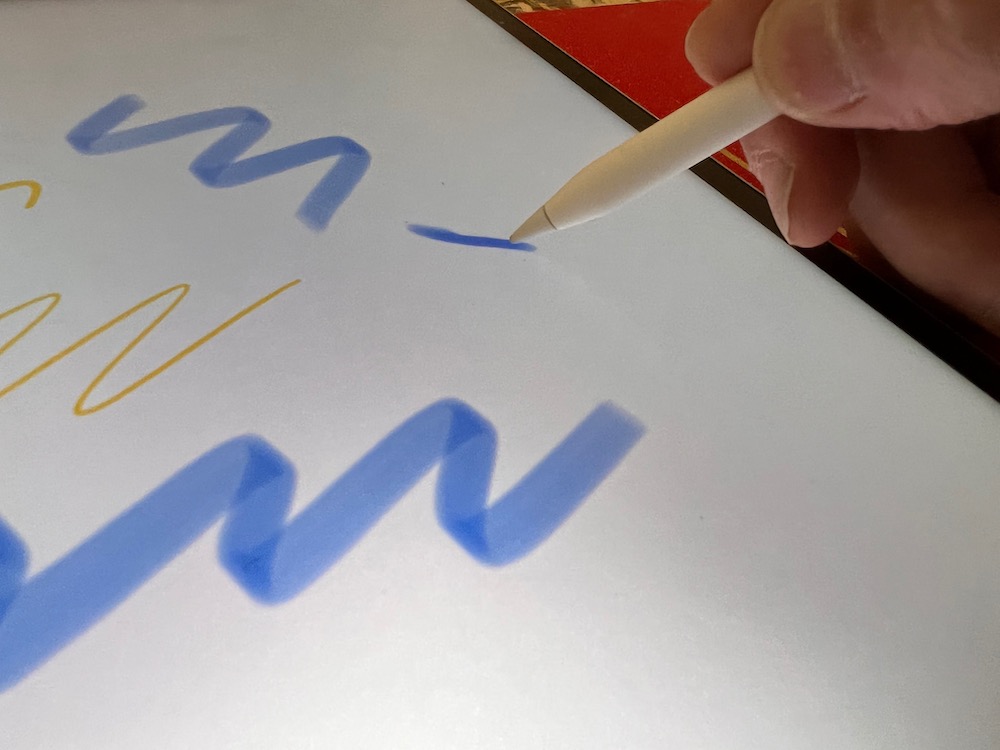
Having a courser surface creates more friction which means Paperlike will have a greater impact on that nib.
Depending on how often you use it will determine when you might need to consider a new nib for Apple Pencil.
But for those who feel like Paperlike brings out the best in their work, this will be a small price to pay.
Paperlike is available now for the 12.9-inch iPad Pro, 11-inch iPad Pro and 10.9-inch iPad Air and the 10.2-inch iPad (Gen 7, 8 and 9) and priced at $59.99 for a two-pack.
Paperlike will also soon be available for the new 8.3-inch iPad Mini.
They can be purchased from JB Hi-Fi, Amazon, The Good Guys and Officeworks.